Reporting

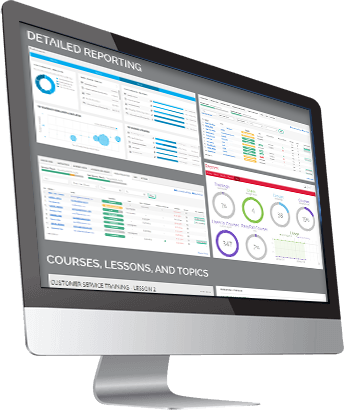
All Your LMS Data On Your Dashboard!

Provides quick stats relating to your LMS

The top-level metrics include:

  • Total Students
  • Number of Courses
  • Assignments Pending
  • Essays Pending

Use filters to dig into your course and user data

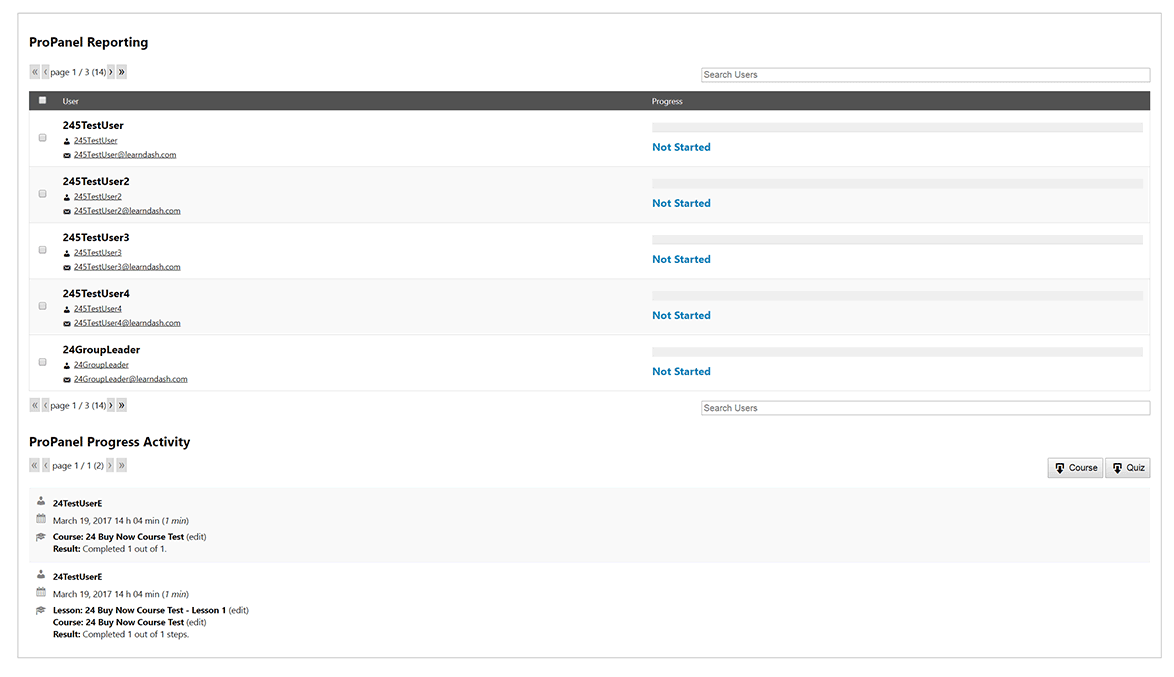
Choose to view users and progress by course or even look up a specific user’s activities in a matter of seconds!

This section also allows you to email a selected group of users. For example, you can choose to email anyone who has not yet finished a course, or you you can select just a handful of users to message – the choice is yours!
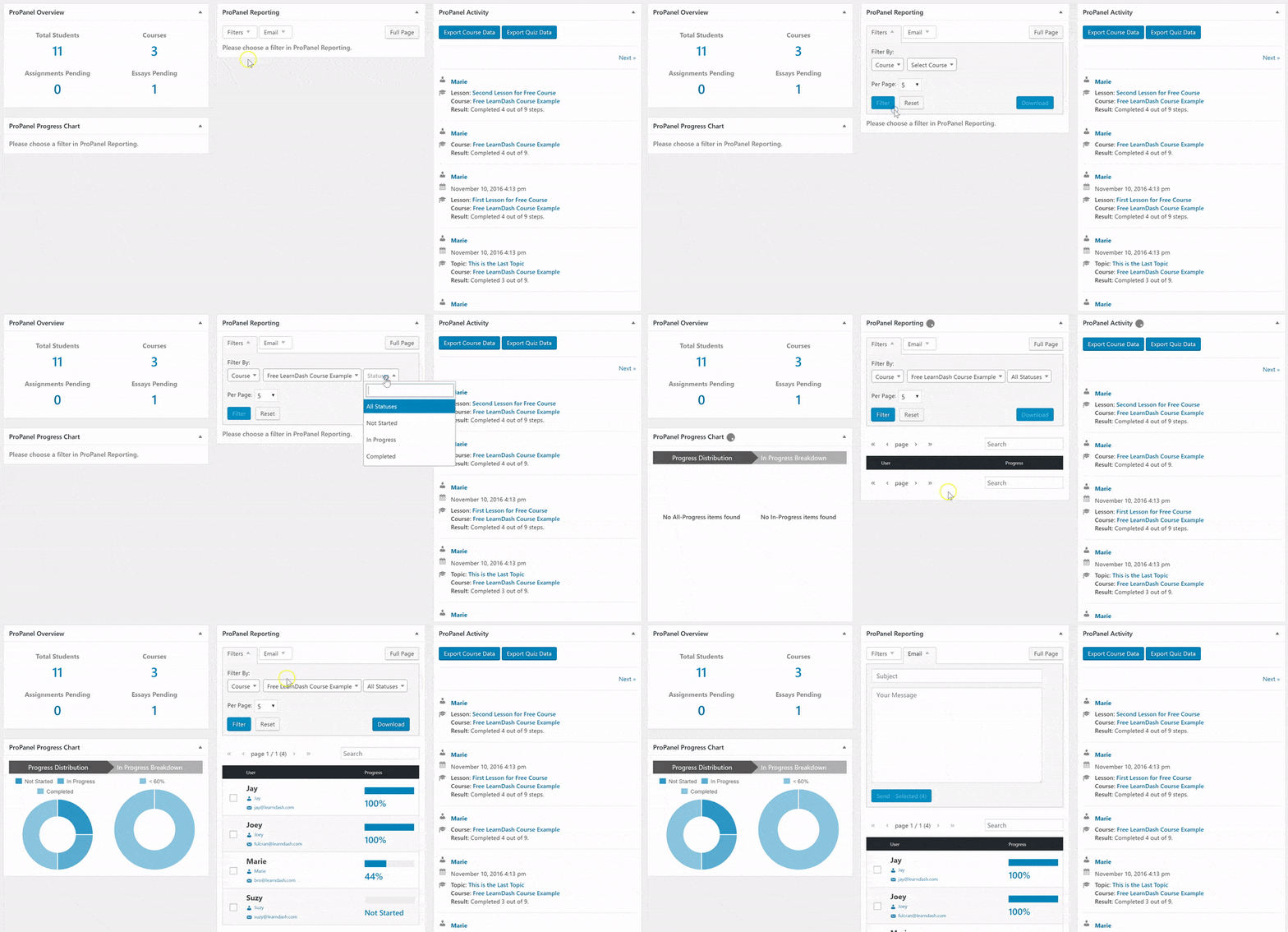
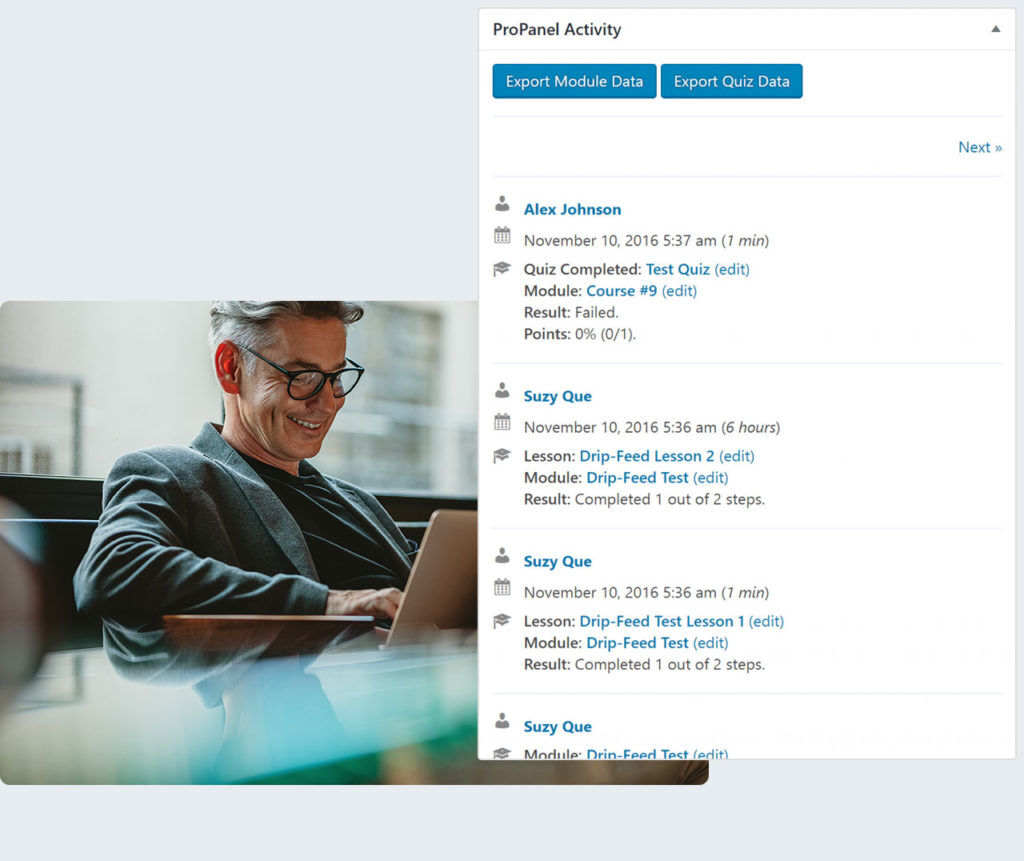
The Activity Stream displays the real-time user activity within your courses

Anytime a lesson is marked complete, quiz completed, or a course is finished – it is captured in the activity stream!

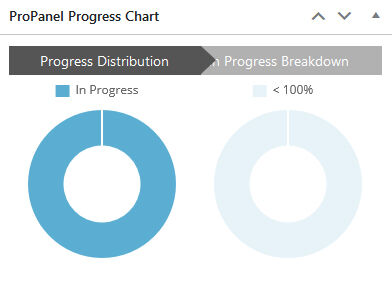
Easily see how many users haven’t started, are in progress, or have completed the course

You can even gain insight into exactly how far along users are for a particular course (i.e. 20% complete versus 80% complete).

User data

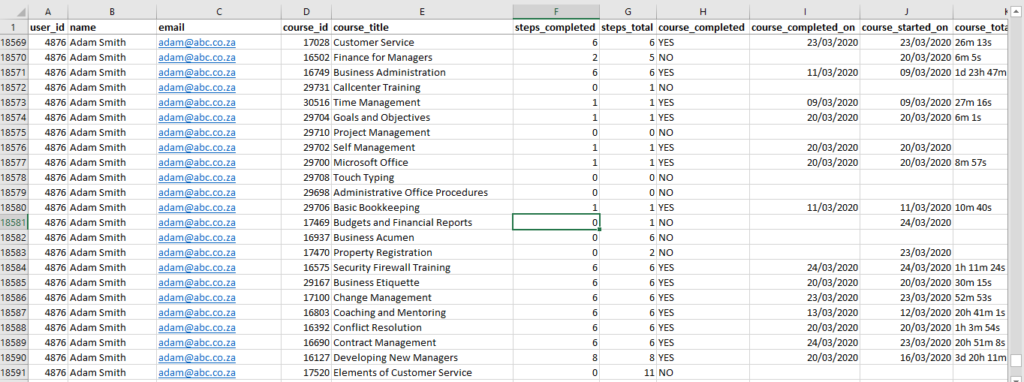
The Administrator and Group Leader user roles can export two reports (in CSV format) from the LMS.

  • Course Data displaying all the user’s course progress, what lesson they are currently on, and if the course has been completed.